 STEAM
STEAM ORIGIN
 UPLAY
UPLAY PC Games
 Japan(日本語)
 United States(English)
 United Kingdom(English)
 Germany(Deutsch)
 France(Français)
 Spain(Español)
 Italy(Italiano)
 Czech(česká republika)
 Poland(Polski)
 Korea(한국어)
 Taiwan(繁體中文)
 Portugal(Português)
 Brazil(Português)
 Australia(English)
 Canada(English)

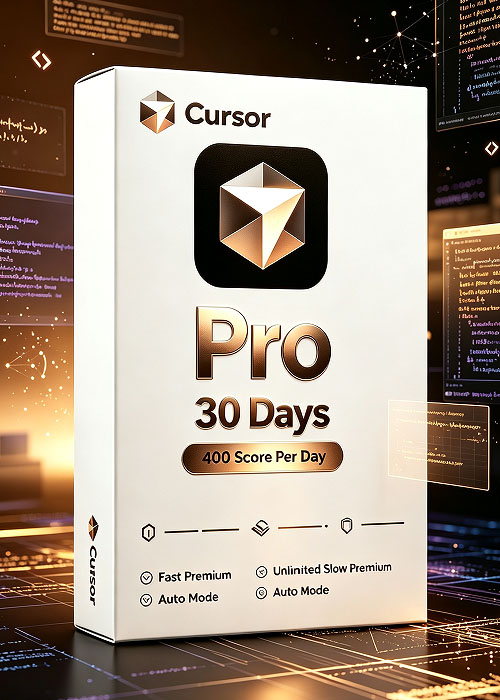
Cursor Pro 30 Days 400 Score Per Day
7,437.00JPY
-34%

Tool Download
1. Go to the official website https://www.cursor.com to download Cursor version 3.19 for your operating system.
2. Download Vibe :Tool Download
Activation Process
See the figure below for the activation steps.
Log in to Vibe and enter your activation code to complete activation.


Cursor is an AI-native code editor built upon VS Code. It integrates powerful AI coding assistant capabilities to help developers write, understand, refactor and debug code effortlessly.
Core Features
- Intelligent code generation and real-time inline code completion
- Whole-project code comprehension, supporting cross-file analysis
- One-click code refactoring, bug diagnosis and error fixing
- Auto Mode AI Agent to automatically execute complex development tasks
- Explain source code, generate comments, unit tests and technical documentation
- Supports multiple programming languages and frameworks
Application Scenarios
Speed up front-end & back-end development, analyze large source repositories, troubleshoot exceptions, optimize code structure, and assist programming learning for developers and coding learners.